
外观
HTTP/HTTPS 分片下载示例
本文介绍了如何在开发环境中创建一个 webclient_shard_download 示例工程,并将其编译后在开发板上运行,实现通过 HTTP/HTTPS 协议进行网页分片下载的功能。旨在帮助读者进一步熟悉开发环境,掌握 HTTP/HTTPS 协议下分片下载的使用方法。
HTTP/HTTPS 分片下载的作用
借助 HTTP/HTTPS 协议对网页进行访问,不仅能获取网页内容,还能实现分片下载。分片下载可提高下载效率,尤其适用于大文件下载场景,在网络不稳定时能断点续传,保障下载任务顺利完成。
本示例以演示如何通过 HTTP/HTTPS 协议进行网页访问、获取网页内容并实现分片下载为实践目标,实现从指定网页下载内容并按分片形式展示下载结果的演示效果。
硬件连接
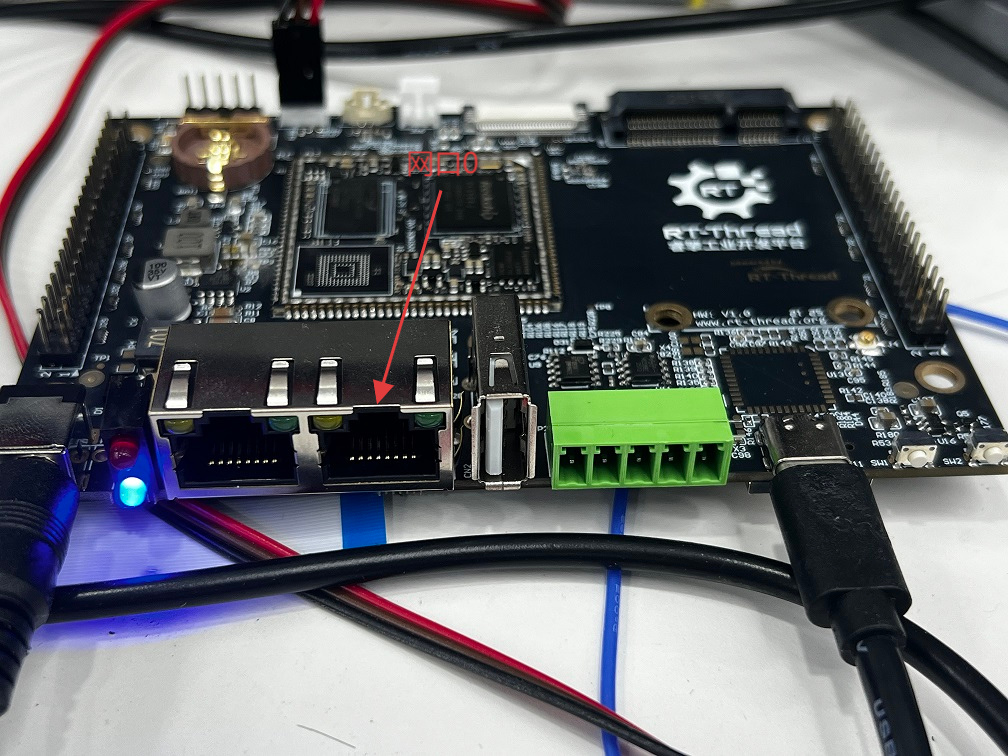
将开发板网口连接到路由器。
创建工程点击展开
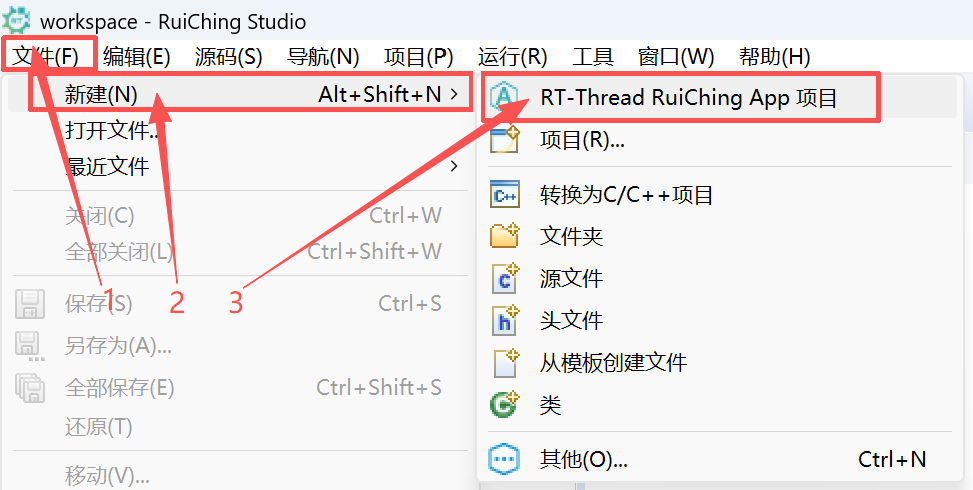

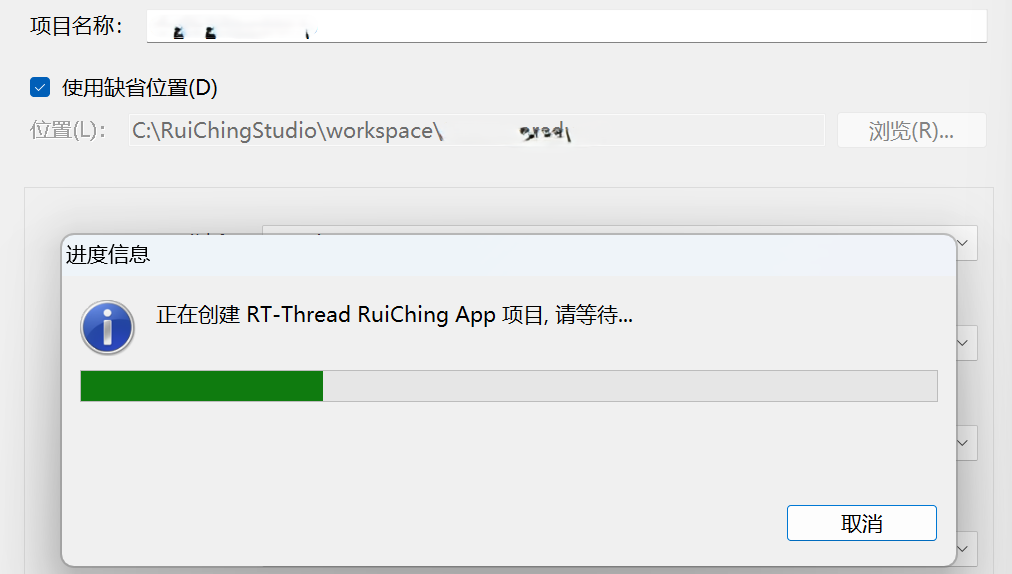
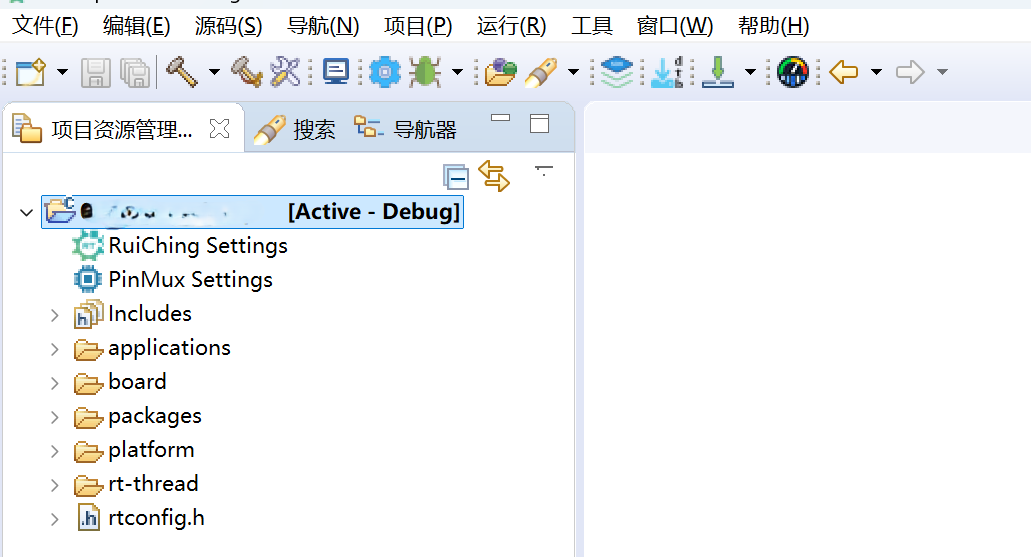
构建工程点击展开
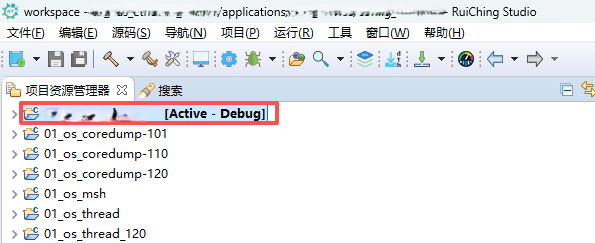

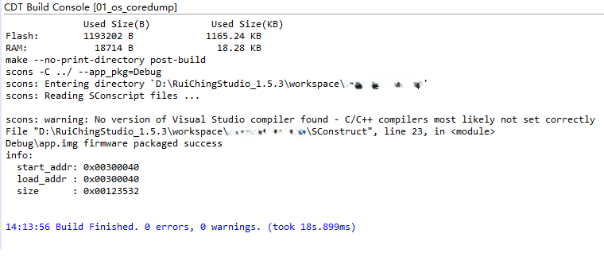
固件下载点击展开


核心示例代码
webclient 示例相关 API
shard_download_handle:处理接收到的分片数据,将数据按每行 CHARACTER_LENGTH 个字符打印出来,处理完成后释放缓冲区;webclient_session_create:创建一个 WebClient 会话,如果创建失败,返回内存不足错误;webclient_shard_head_function:获取要下载数据的实际长度;webclient_register_shard_position_function:注册 shard_download_handle 函数,用于处理接收到的分片数据。webclient_shard_position_function:开始分片下载,如果下载失败,打印错误信息。
#define GET_LOCAL_URI    "http://www.rt-thread.com/service/rt-thread.txt"
#define CHARACTER_LENGTH 60

/* handle function, you can store data and so on */
static int shard_download_handle(char *buffer, int length)
{
    int outindex, inindex = 0;
    int boundary;

    /* print the receive data */
    for (outindex = 0; outindex < length; outindex = outindex + inindex)
    {
        char print_buffer[CHARACTER_LENGTH + 1] = { 0 };
        char *point = RT_NULL;
        point = print_buffer;

        if (length - outindex > CHARACTER_LENGTH)
        {
            boundary = CHARACTER_LENGTH;
        }
        else
        {
            boundary = length - outindex;
        }

        for (inindex = 0; inindex < boundary; inindex++)
        {
            *point++ = buffer[outindex + inindex];
        }
        *point = 0;
        rt_kprintf("%04d - %04d: %s\n", outindex, outindex + boundary - 1,
            print_buffer);
    }

    /* release this buffer if we have handled data */
    web_free(buffer);

    return RT_EOK;
}

int webclient_shard_download_test(int argc, char **argv)
{
    struct webclient_session *session = RT_NULL;
    rt_err_t result = RT_EOK;
    char *uri = RT_NULL;
    int length = 0;
    int usage_flag = 0;
    int size = 200;

    if (argc == 1)
    {
        uri = web_strdup(GET_LOCAL_URI);
    }
    else
    {
        for (int index = 1; index < argc; index = index + 2)
        {
            if (strstr(argv[index], "-u") && argv[index + 1] != RT_NULL)
            {
                uri = web_strdup(argv[index + 1]);
            }
            else if (strstr(argv[index], "-l") && argv[index + 1] != RT_NULL)
            {
                size = atoi(argv[index + 1]);
            }
            else
            {
                usage_flag = 1;
                break;
            }
        }
    }

    if (usage_flag)
    {
        rt_kprintf(
            "web_shard_test -u [URI]     - webclient HEAD and GET request test.\n");
        rt_kprintf(
            "web_shard_test -l [SIZE]    - the length of receive buffer.\n");
        return (-RT_ERROR);
    }

    if (uri == RT_NULL)
    {
        uri = web_strdup(GET_LOCAL_URI);
    }

    /* sometime, the header bufsz can set more smaller */
    session = webclient_session_create(WEBCLIENT_HEADER_BUFSZ / 4);
    if (session == RT_NULL)
    {
        result = (-RT_ENOMEM);
        goto __exit;
    }

    /* get the real data length */
    webclient_shard_head_function(session, uri, &length);

    /* register the handle function, you can handle data in the function */
    webclient_register_shard_position_function(session, shard_download_handle);

    /* the "memory size" that you can provide in the project and uri */
    result = webclient_shard_position_function(session, uri, 0, length, size);
    if (result != WEBCLIENT_OK)
    {
        rt_kprintf("web shard download, test failed!\n");
    }

    /* clear the handle function */
    webclient_register_shard_position_function(session, RT_NULL);

__exit:
    if (uri)
    {
        web_free(uri);
    }

    if (session)
    {
        webclient_close(session);
        session = RT_NULL;
    }

    return result;
}
如需体验 https 将webclient_shard_download.c 文件中的 GET_LOCAL_URI 宏修改为 "https://www.rt-thread.com/service/rt-thread.txt"
#define GET_LOCAL_URI "http://www.rt-thread.com/service/rt-thread.txt"
#define GET_LOCAL_URI "https://www.rt-thread.com/service/rt-thread.txt"
运行示例
操作步骤
- 设置 IP 地址:将 IP 地址替换为自己网络的实际 IP 地址。
msh />ifconfig e0 10.23.8.38 10.23.8.254 255.255.255.0
config : e0
IP addr: 10.23.8.38
Gateway: 10.23.8.254
netmask: 255.255.255.0- 设置 DNS 服务器:将 DNS 服务器替换为自己网络的实际 DNS 服务器地址。
msh />dns e0 0 223.5.5.5
set network interface device(e0) dns server #0: 223.5.5.5
2. 测试分片下载
msh />web_shard_test -l 115
method 3
method 1
0000 - 0059: RT-Thread is an open source IoT operating system from China,
0060 - 0114:  which has strong scalability: from a tiny kernel runni
method 1
0000 - 0059: ng on a tiny core, for example ARM Cortex-M0, or Cortex-M3/4
0060 - 0114: /7, to a rich feature system running on MIPS32, ARM Cor
method 1
0000 - 0036: tex-A8, ARM Cortex-A9 DualCore etc.
3. 查看网页内容
访问在线网址查看访问的内容,在浏览器输入网址: http://www.rt-thread.com/service/rt-thread.txt,查看即将访问的网页内容。