
外观
消息队列示例
概述
本文介绍了如何在 RuiChing Studio 中创建一个 ipc_msg 示例工程,并将其编译后在开发板上运行。旨在帮助读者进一步熟悉 RuiChing Studio 开发环境,掌握 消息队列的使用。
消息队列的作用
在 RT-Thread 中,消息队列是重要的线程间通信与同步机制。可传递任意类型消息,支持异步通信;作为缓冲区,避免消息丢失;支持发送紧急消息,优先处理;还能让接收线程阻塞等待,实现线程同步,保障系统高效运行。
运行消息队列使用示例
本示例以演示 RT-Thread 消息队列的使用方法,展示普通消息与紧急消息的发送和接收过程,以及线程间基于消息队列的通信机制 为实践目标,实现 创建消息队列,一个线程循环发送普通消息和紧急消息,另一个线程从消息队列接收消息,直至接收指定次数后分离消息队列 的演示效果。
创建工程点击展开
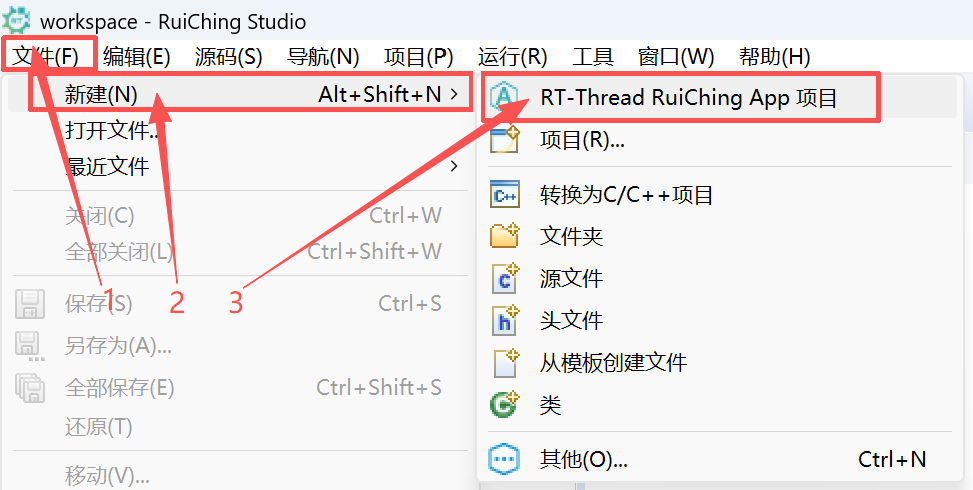

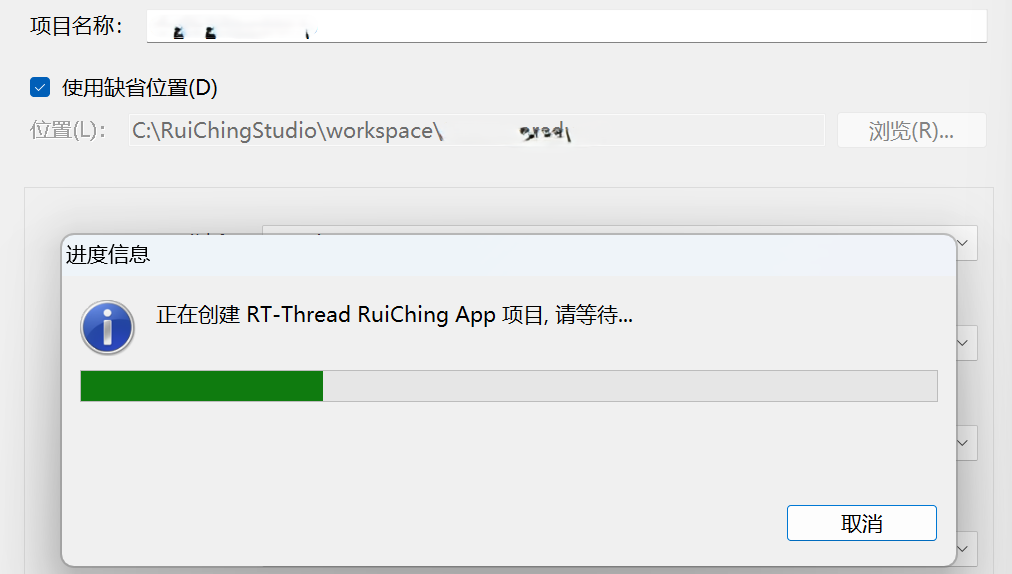
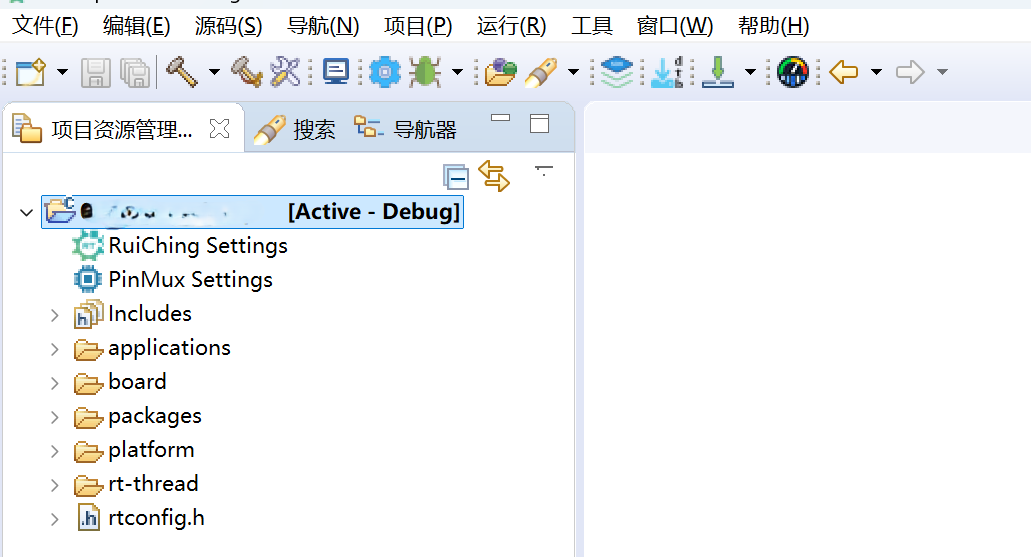
构建工程点击展开
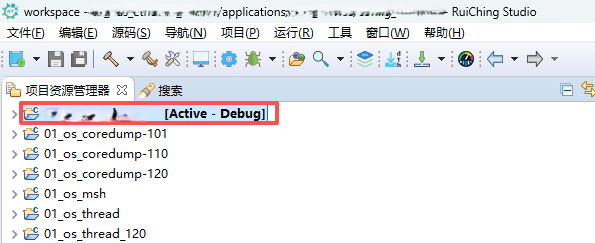

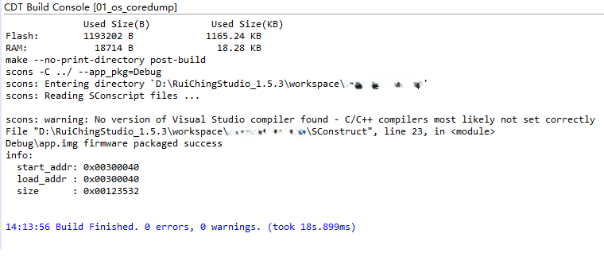
固件下载点击展开


核心示例代码
消息队列示例相关 API
rt_mq_init:初始化静态消息队列,指定控制块、名称、缓冲区等参数,初始化后可用于线程通信。rt_mq_urgent:发送紧急消息,将消息插入队首,供接收线程优先处理。rt_mq_send:发送普通消息,将消息添加到队尾,队列满时可选择等待或报错。rt_mq_recv:从队首接收消息,队列为空时可选择等待或立即返回错误。rt_mq_detach:分离消息队列,使其不可用,唤醒等待线程并释放资源。
static void thread1_entry(void *parameter)
{
    char buf = 0;
    rt_uint8_t cnt = 0;

    while (1)
    {
        if (rt_mq_recv(&mq, &buf, sizeof(buf), RT_WAITING_FOREVER) > 0)
        {
            rt_kprintf(
                "thread1: recv msg from msg queue, the content:%c\n", buf);
            if (cnt == 19)
            {
                break;
            }
        }

        cnt++;
        rt_thread_mdelay(50);
    }

    rt_kprintf("thread1: detach mq \n");
    rt_mq_detach(&mq);
}

static void thread2_entry(void *parameter)
{
    int result;
    char buf = 'A';
    rt_uint8_t cnt = 0;

    while (1)
    {
        if (cnt == 8)
        {
            result = rt_mq_urgent(&mq, &buf, 1);
            if (result != RT_EOK)
            {
                rt_kprintf("rt_mq_urgent ERR\n");
            }
            else
            {
                rt_kprintf("thread2: send urgent message - %c\n", buf);
            }
        }
        else if (cnt >= 20)
        {
            rt_kprintf("message queue stop send, thread2 quit\n");
            break;
        }
        else
        {
            result = rt_mq_send(&mq, &buf, 1);
            if (result != RT_EOK)
            {
                rt_kprintf("rt_mq_send ERR\n");
            }

            rt_kprintf("thread2: send message - %c\n", buf);
        }

        buf++;
        cnt++;
        rt_thread_mdelay(5);
    }
}
运行示例
操作步骤
- 将程序下载到开发板
- 打开串口终端连接开发板
- 输入
msgq_example命令
预期结果
线程 1 会从消息队列中收取消息;线程 2 定时给消息队列发送普通消息和紧急消息。由于线程 2 发送消息 "I" 是紧急消息,会直接插入消息队列的队首,所以线程 1 在接收到消息 "B" 后,接收的是该紧急消息,之后才接收消息"C"。
msh />thread2: send message - A
thread1: recv msg from msg queue, the content:A
thread2: send message - B
thread2: send message - C
thread2: send message - D
thread1: recv msg from msg queue, the content:B
thread2: send message - E
thread2: send message - F
thread2: send message - G
thread2: send message - H
thread1: recv msg from msg queue, the content:C
thread2: send urgent message - I
thread2: send message - J
thread2: send message - K
thread2: send message - L
thread1: recv msg from msg queue, the content:I
thread2: send message - M
thread2: send message - N
thread2: send message - O
thread2: send message - P
thread1: recv msg from msg queue, the content:D
thread2: send message - Q
thread2: send message - R
thread2: send message - S
thread2: send message - T
thread1: recv msg from msg queue, the content:E
message queue stop send, thread2 quit
thread1: recv msg from msg queue, the content:F
thread1: recv msg from msg queue, the content:G
thread1: recv msg from msg queue, the content:H
thread1: recv msg from msg queue, the content:J
thread1: recv msg from msg queue, the content:K
thread1: recv msg from msg queue, the content:L
thread1: recv msg from msg queue, the content:M
thread1: recv msg from msg queue, the content:N
thread1: recv msg from msg queue, the content:O
thread1: recv msg from msg queue, the content:P
thread1: recv msg from msg queue, the content:Q
thread1: recv msg from msg queue, the content:R
thread1: recv msg from msg queue, the content:S
thread1: recv msg from msg queue, the content:T
thread1: detach mq