
外观
线程示例
概述
本文介绍了如何在 RuiChing Studio 中创建一个 thread 示例工程,并将其编译后在开发板上运行。旨在帮助读者进一步熟悉 RuiChing Studio 开发环境,掌握 线程的创建和理解线程的调度。
线程的意义
RT-Thread 的线程是实时任务的核心,通过动态/静态创建、优先级抢占和轻量级调度机制,适用于多种应用场景。开发者需关注栈大小、优先级分配和同步机制以确保系统稳定。
创建动态线程和静态线程
本示例演示在 RT-Thread 中使用动态和静态两种方式创建线程,并观察不同优先级线程的执行情况,实现动态创建线程 1、静态创建线程 2,线程 2 优先级高于线程 1,展示线程创建与启动过程以及不同优先级线程调度顺序的演示效果。
创建工程点击展开
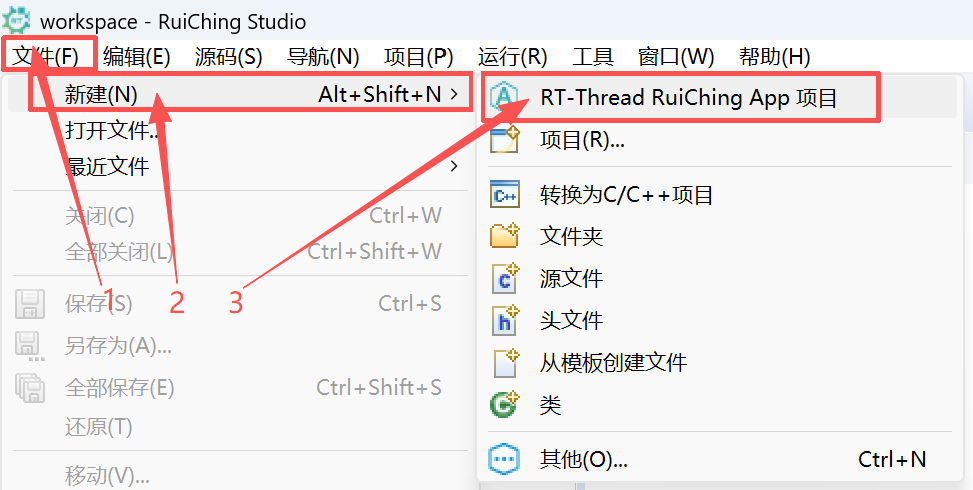

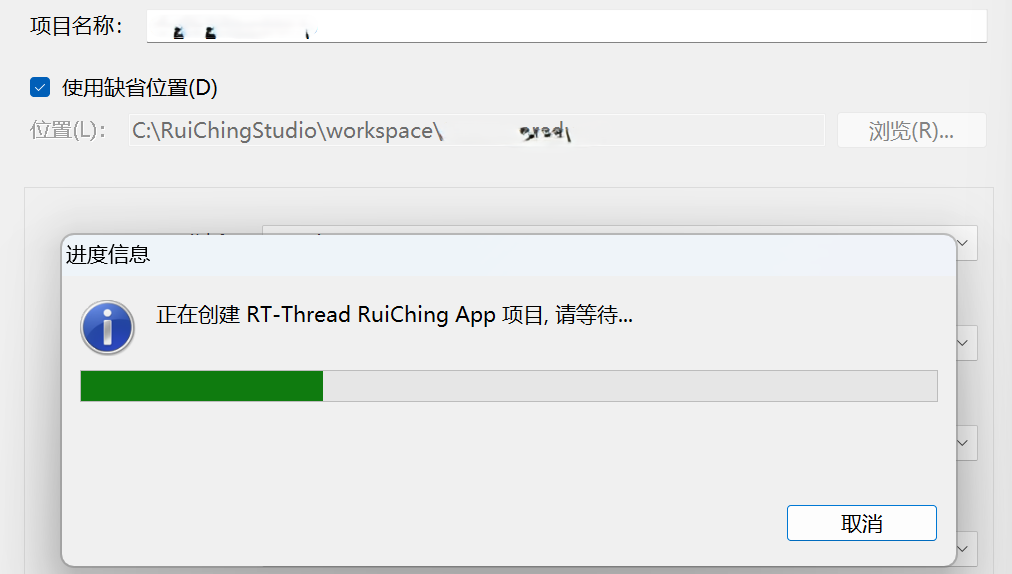
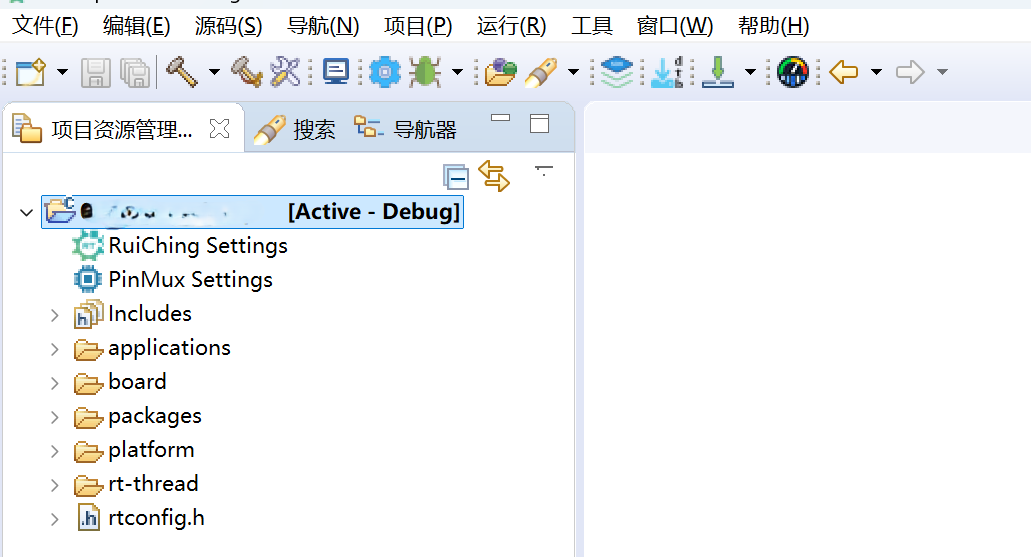
构建工程点击展开
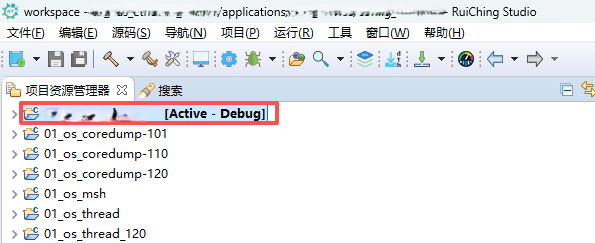

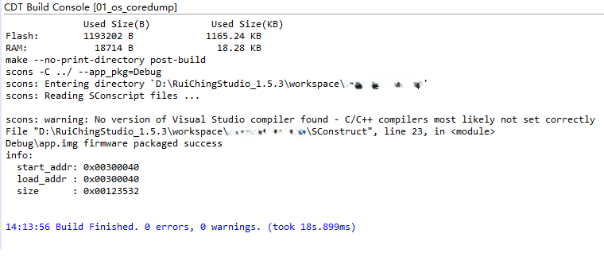
固件下载点击展开


核心示例代码
线程示例相关 API
rt_thread_create:动态创建线程,动态分配内存创建线程(自动分配线程控制块和栈空间);rt_thread_init:静态初始化线程,静态初始化线程(需手动定义线程控制块和栈空间);rt_thread_startup:启动线程,将线程加入调度器,使其进入就绪状态;
int thread_example(void)
{
    tid1 = rt_thread_create("thread1", thread1_entry, RT_NULL, // 动态创建线程
        THREAD_STACK_SIZE, THREAD_PRIORITY, THREAD_TIMESLICE);
    if (tid1 != RT_NULL)
    {
        rt_thread_startup(tid1); // 启动线程
    }

    rt_thread_delay(10);

    rt_thread_init(&thread2, "thread2", thread2_entry, RT_NULL, // 静态创建线程
        &thread2_stack[0], sizeof(thread2_stack), THREAD_PRIORITY - 1,
        THREAD_TIMESLICE);
    rt_thread_startup(&thread2); // 启动线程

    return 0;
}
运行示例
操作步骤
- 将程序下载到开发板
- 打开串口终端连接开发板
- 输入
thread_example命令
预期结果
高优先级的线程 2 计数到一定值会执行完毕,线程 2 被系统自动删除,计数停止。低优先级的线程 1 才会打印计数。
msh />thread_example
thread1 count: 0
thread2 count: 0
thread2 count: 1
thread2 count: 2
thread2 count: 3
thread2 count: 4
thread2 count: 5
thread2 count: 6
thread2 count: 7
thread2 count: 8
thread2 count: 9
thread2 exit
thread1 count: 1
thread1 count: 2
thread1 count: 3
thread1 count: 4
thread1 count: 5
thread1 count: 6
thread1 count: 7
thread1 count: 8
thread1 count: 9
thread1 exit